Add page numbers to a PDF on Mac
Print page numbers onto every page of a PDF.
A combined report, a contract, a bundle of exhibits, once a PDF runs to more than a few pages, it needs numbers so people can refer to "page 7" and land in the same place. Adding page numbers prints a small number onto each page. The thing that matters is that the number is really on the page, so it prints and shows in every reader, not a note only one app can see.
The free way (if there is one)
macOS has no built-in way to add page numbers to an existing PDF. Pages and Word can number a document you author in them, but not a PDF you already have.
macOS has no built-in way to add page numbers to an existing PDF, you'd have to recreate the document in Pages or Word. Fileknife prints them straight onto the PDF you already have.
With Fileknife
Here's the same job in Fileknife, where it stays on your Mac:
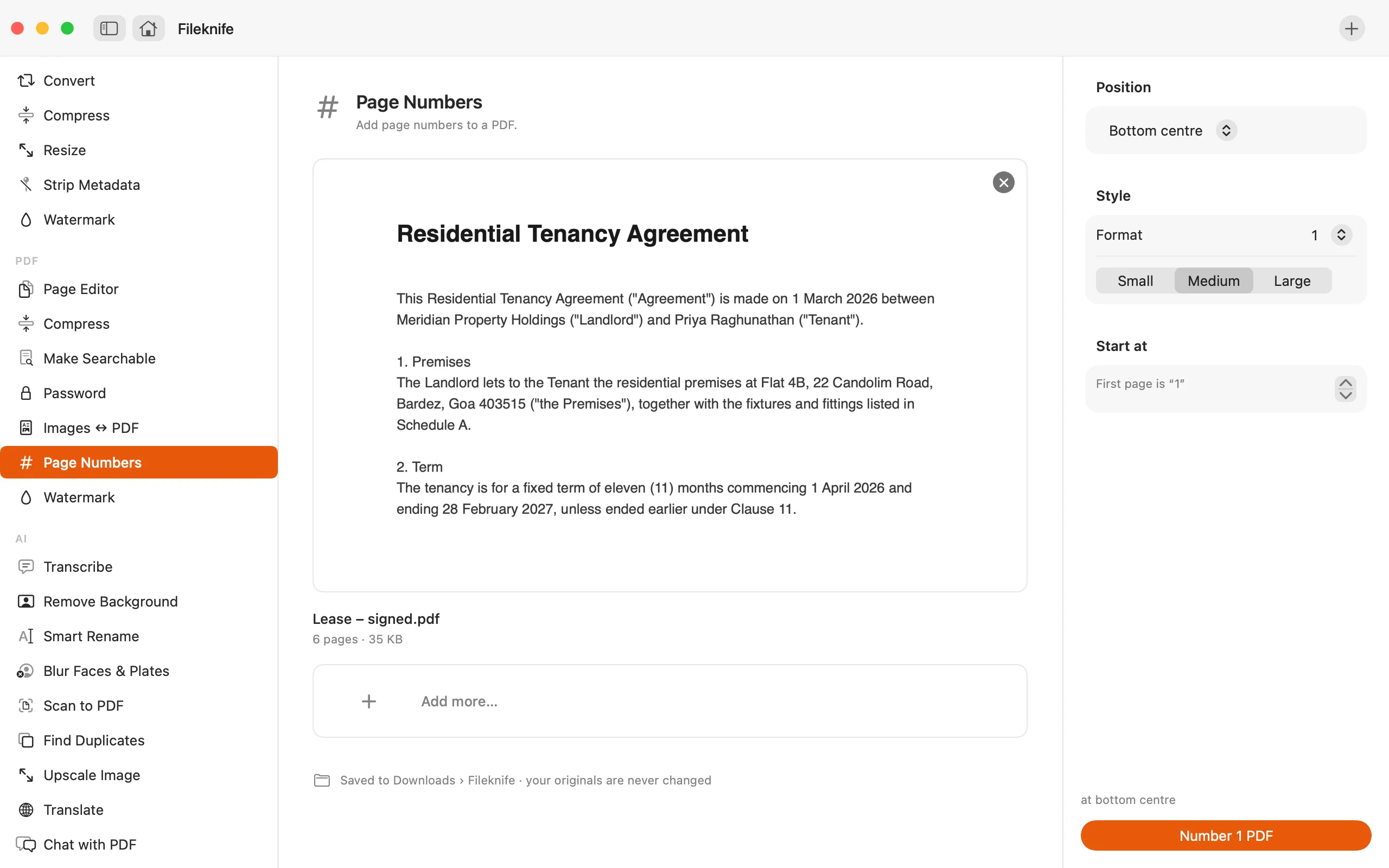
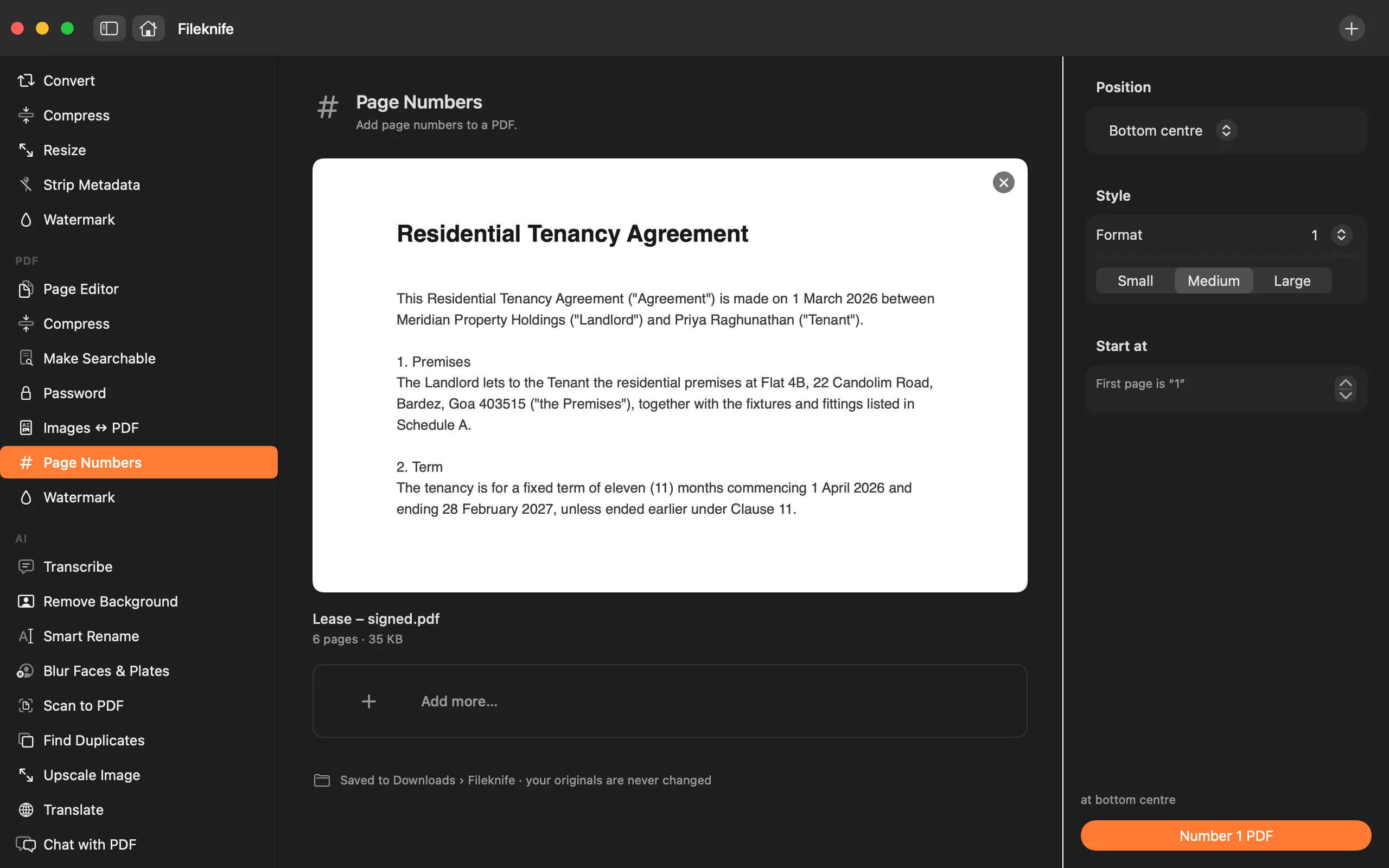
- Drop the PDF onto Fileknife and choose Page Numbers.
- Pick the position (e.g. bottom center) and the size.
- Choose the format and the number to start from.
- Press the button, then use Show in Finder or drag the result out.
Why reach for Fileknife
- The number is drawn into the page's content, so it prints and shows in Preview, Chrome, Acrobat, anywhere, not a note only one viewer sees.
- Choose the corner or center, top or bottom, and the size.
- Pick how it reads: 1, Page 1, 1 of N, or 1 / N, and set the starting number.
- Runs on your Mac, nothing is uploaded.
Presets and options
- 1
- Page 1
- 1 of N
- 1 / N
Takes: PDF files. Gives: The same PDF with page numbers printed on.
Honest limits
The number is stamped into each page's content so it prints and can't be peeled off, which means that page is flattened, so interactive form fields and existing annotations don't carry through. Page Numbers is for final, shareable documents, so that trade-off is intended. Keep your original if you still need the live form fields.
FAQ
Will the page numbers actually print?
Yes. They're drawn into the page content as real text, not added as a note, so they print and show in every PDF viewer, Preview, Chrome, Acrobat and the rest.
Can I start numbering from a page other than 1?
Yes. Set the starting number, handy when the first page is a cover you don't want counted as page 1.
Why do my form fields disappear after numbering?
Printing the number into the page flattens it, so interactive form fields and existing annotations don't carry over. That's intended for final documents, keep your original if you still need the live fields.
Is anything uploaded?
No. The numbering runs on your Mac.
Be the first to know when it ships · No spam · macOS 14 Sonoma or later