Password protect or unlock a PDF on Mac
Add a password to a PDF, or remove one you have the password for.
Some documents shouldn't open without a password, a contract, a payslip, medical paperwork, and sometimes you need to take a password off a PDF you own so it stops asking every time. Adding a password encrypts the file; removing one (when you know it) saves a clean, unlocked copy. Either way, the password itself should never leave your Mac.
The free way (if there is one)
Preview can add a password when exporting a PDF for free (File → Export → Encrypt), and can remove one by opening the PDF with its password and exporting an unprotected copy. It's capable; Fileknife just makes add/remove one clear choice and handles a batch.
Preview can add a password on export for free (File → Export → Encrypt), and can remove one by opening with the password and re-exporting. Fileknife does both in one place, as a clear add/remove choice, with the passwords kept only for the run.
With Fileknife
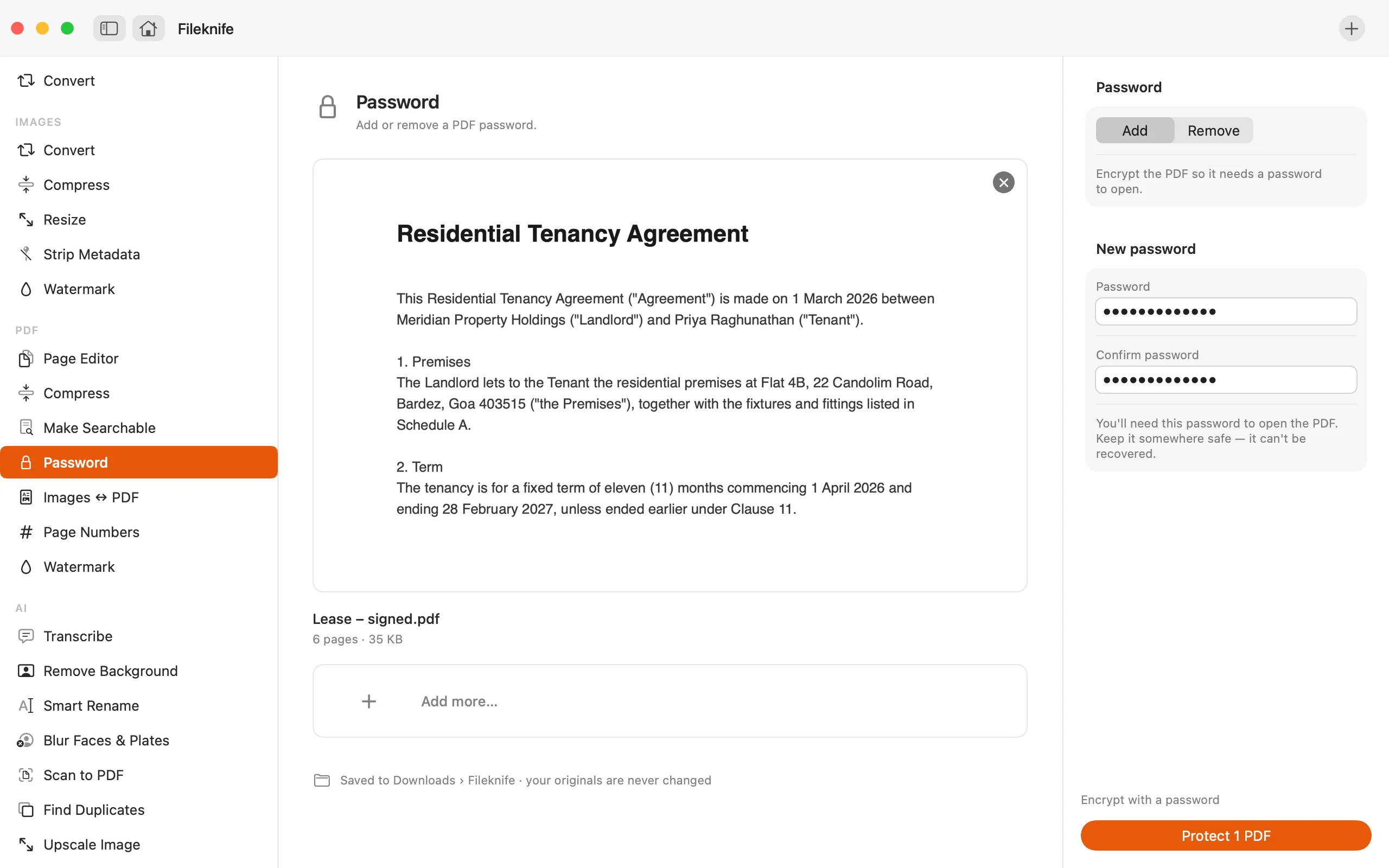
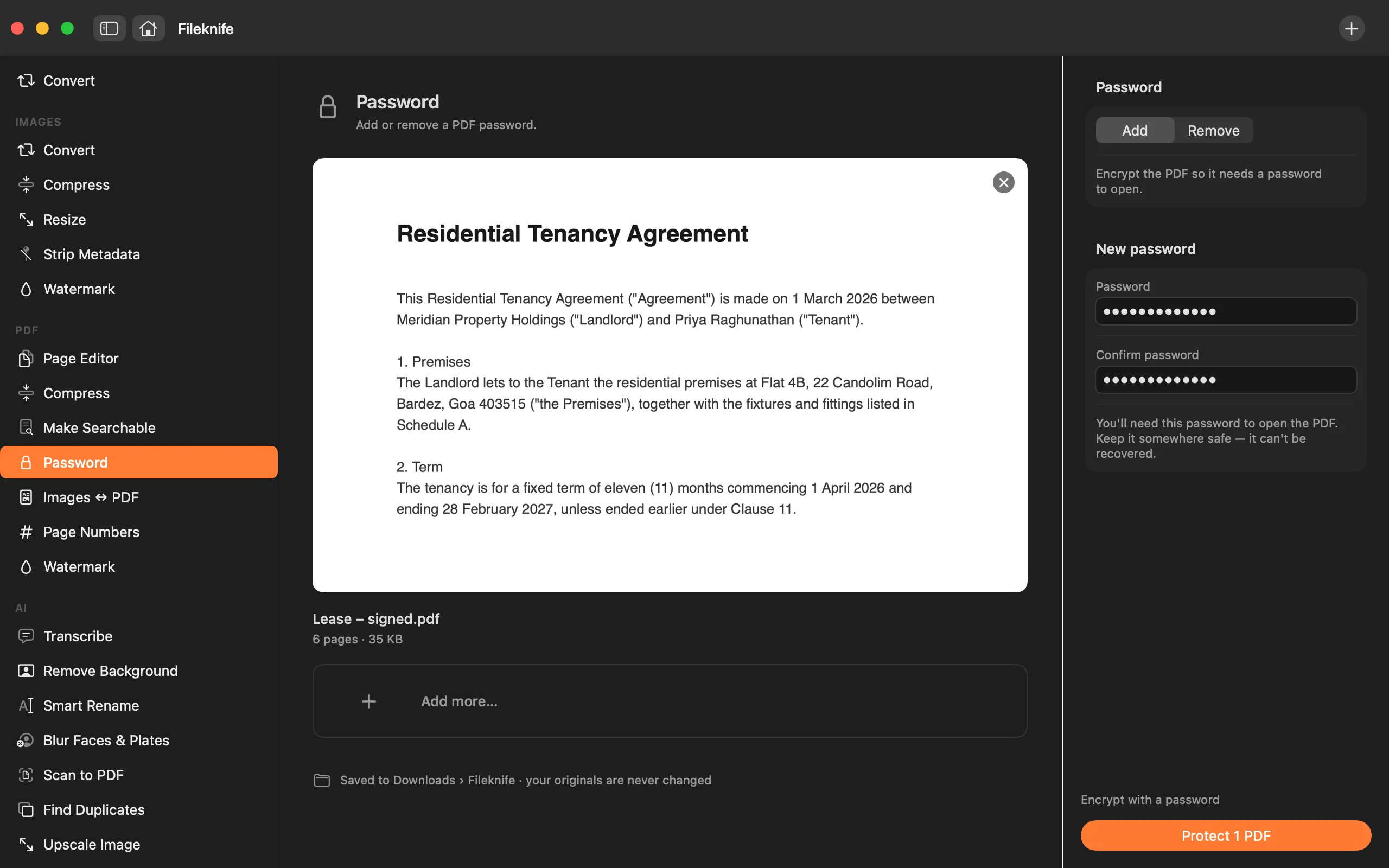
Here's the same job in Fileknife, where it stays on your Mac:
- Drop the PDF onto Fileknife and choose Password.
- Pick Add (to encrypt) or Remove (to unlock one you can open).
- Type the password, the new one to set, or the current one to remove.
- Press the button, then use Show in Finder or drag the result out.
Why reach for Fileknife
- Add a password to encrypt a PDF, or remove one you can open, a single clear choice.
- Passwords are transient: typed for the run, never saved to disk.
- Everything happens on your Mac, so a sensitive document is never uploaded to unlock it.
- Writes a new file and leaves your original as it is.
Presets and options
- Add a password
- Remove a password
Takes: PDF files. Gives: An encrypted PDF, or an unlocked copy.
Honest limits
Removing a password needs the current password, Fileknife can't break encryption on a PDF you can't open. Passwords are used only for the run and never stored.
FAQ
Can Fileknife unlock a PDF I don't know the password for?
No. Removing a password requires the current one. Fileknife can't break or guess encryption, it only unlocks a PDF you can already open.
Is my password stored anywhere?
No. The password is used only for that run and is never written to disk or uploaded.
Does it change my original file?
No. Fileknife writes a new encrypted or unlocked copy and leaves your original in place.
Is the PDF uploaded to add the password?
No. Encryption runs entirely on your Mac.
Be the first to know when it ships · No spam · macOS 14 Sonoma or later