Convert a video to a GIF on Mac
Turn a short clip into an animated GIF.
A GIF is the quickest way to drop a reaction, a bug repro, or a three-second demo into a chat, a Slack thread or an issue, it plays inline, everywhere, with no play button. Making one from a video means turning a short clip into an animated image. The catch is that GIF is an old, heavy format, so the whole game is keeping the result small enough to actually send.
The free way (if there is one)
macOS can't make a GIF from a video on its own. You'd normally use a web converter, which means uploading your clip to someone else's server.
There's no built-in macOS way to make a GIF from a video, so the usual route is a web converter, which means uploading your clip. If the clip is at all private, or you make GIFs often, doing it locally is both safer and faster.
With Fileknife
Here's the same job in Fileknife, where it stays on your Mac:
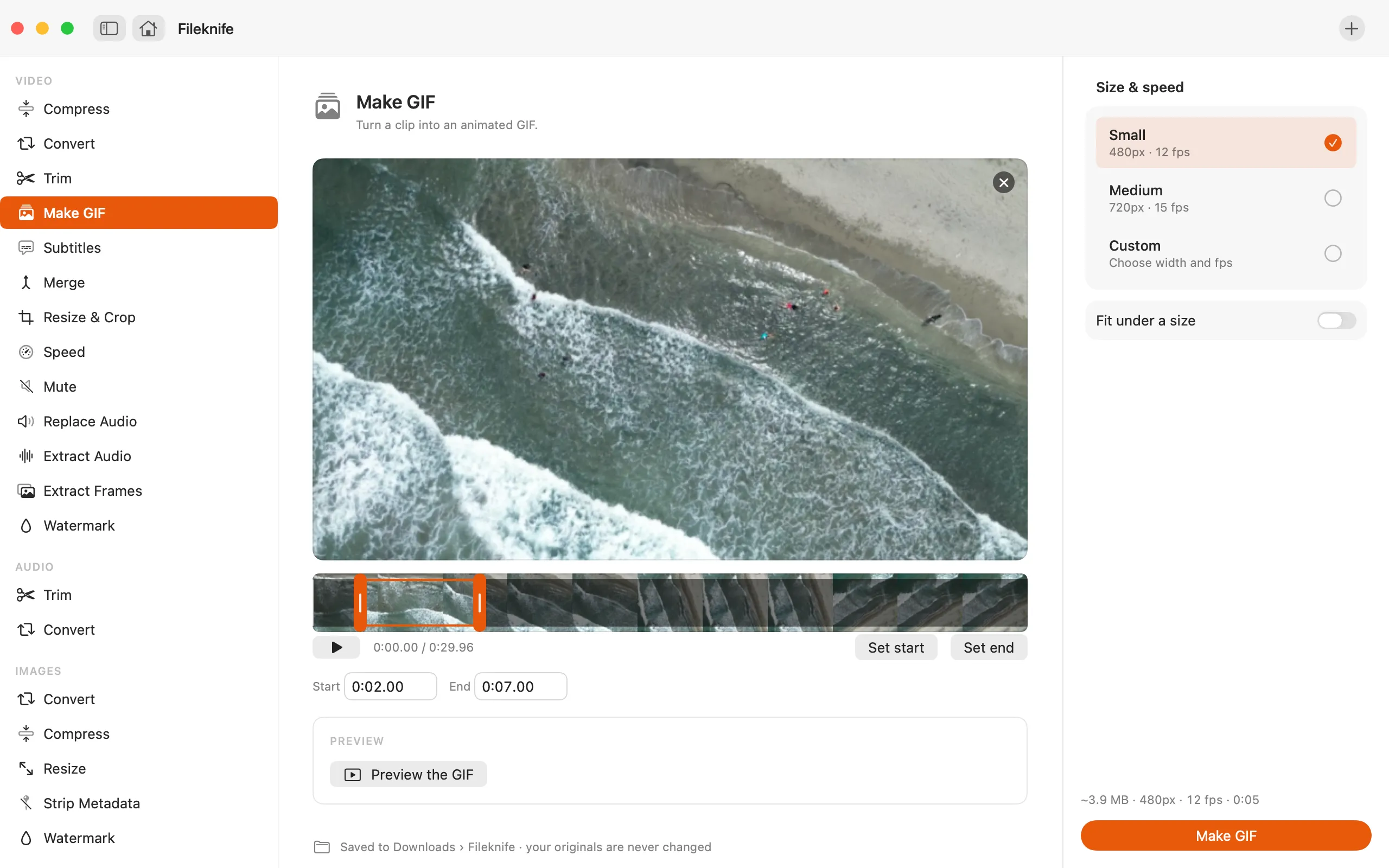
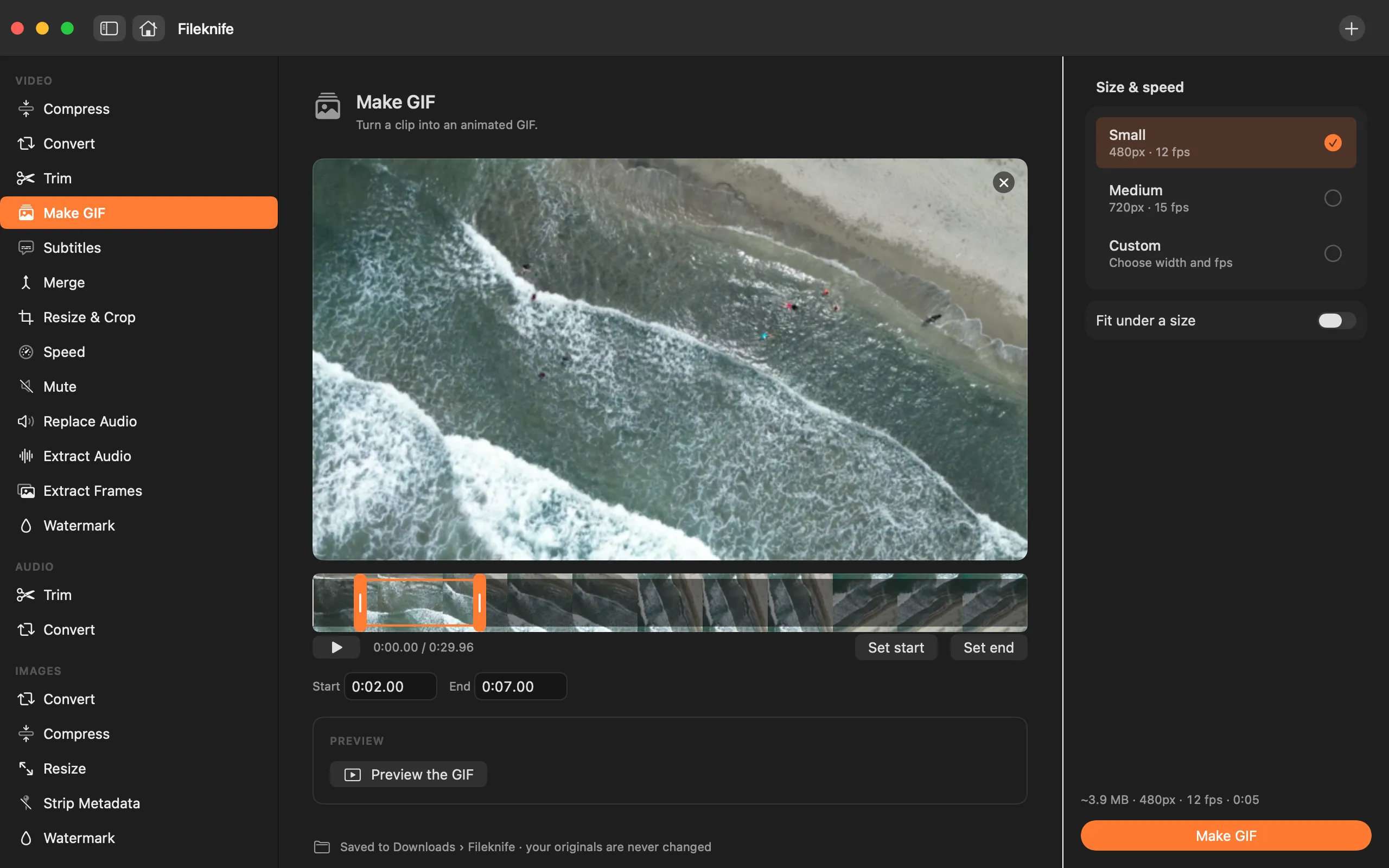
- Drop a short video onto Fileknife and choose Make GIF.
- Set the width (smaller = smaller file) and frame rate.
- Trim to the few seconds you want, if needed.
- Press Make GIF, then drag it into your chat or Slack.
Why reach for Fileknife
- The clip stays on your Mac instead of being uploaded to a GIF site.
- Set the width and frame rate so the file stays small enough to share.
- No file-size cap or watermark from a free web tool.
Presets and options
- Small (480px)
- Medium (640px)
- Custom width and frame rate
Takes: MP4, MOV, M4V and most common video formats. Gives: Animated GIF.
e.g. a 6-second 1080p clip → a shareable GIF a few hundred KB in size (varies with motion).
Honest limits
GIFs are a heavy format, a long or large clip makes a big file. Fileknife is best for short loops of a few seconds; for longer clips, a compressed MP4 is usually smaller and sharper.
FAQ
Why is my GIF so large?
GIF stores every frame as an image, so long or high-motion clips balloon. Lower the width and frame rate, or keep the clip to a few seconds.
Is there a watermark?
No. Fileknife never adds a watermark.
What's a good width and frame rate?
For a chat GIF, 480px wide at 12–15 frames per second usually looks smooth and stays small. Bump the width up for a demo people need to read, down for a quick reaction.
Does the GIF loop automatically?
Yes. GIFs loop forever by default, which is what you want for a reaction or a short demo, it plays as soon as it loads, with no play button, anywhere it's posted.
Be the first to know when it ships · No spam · macOS 14 Sonoma or later