Trim an audio file on Mac
Trim an audio file to the part you want.
A recording usually has edges you don't need, silence before someone starts talking, a tail at the end, a song you want just the chorus of. Trimming audio keeps the section you want and drops the rest, saving it as a new file. It's a small job that shouldn't need a full audio editor.
The free way (if there is one)
QuickTime Player can trim an audio file for free (Edit → Trim) and it's good for a quick one-off. It exports to a single format and works one file at a time.
QuickTime Player can trim an audio recording for free (Edit → Trim), and for a single quick cut it's all you need. Fileknife helps when you want to choose the output format, set exact times, or trim a batch.
With Fileknife
Here's the same job in Fileknife, where it stays on your Mac:
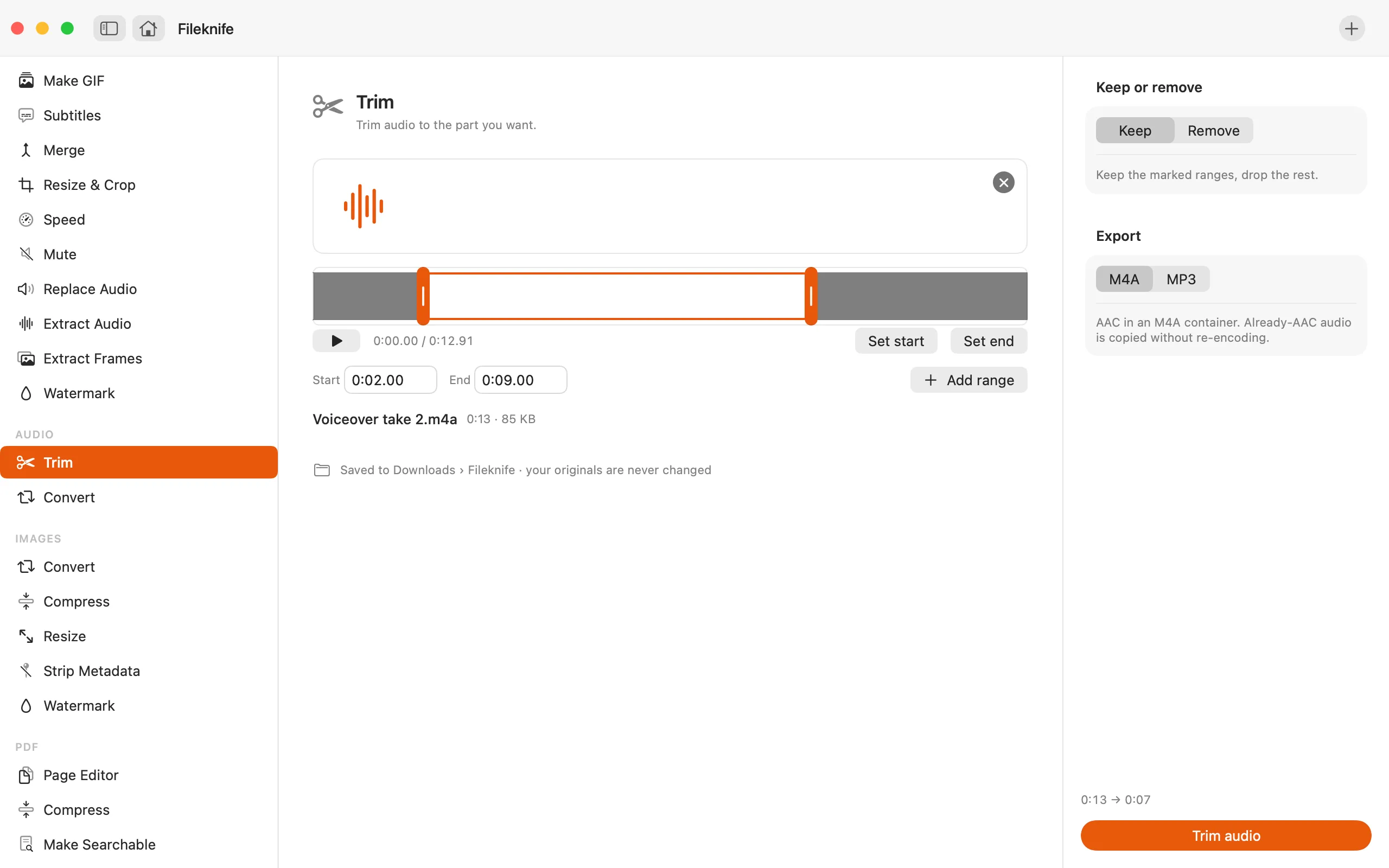
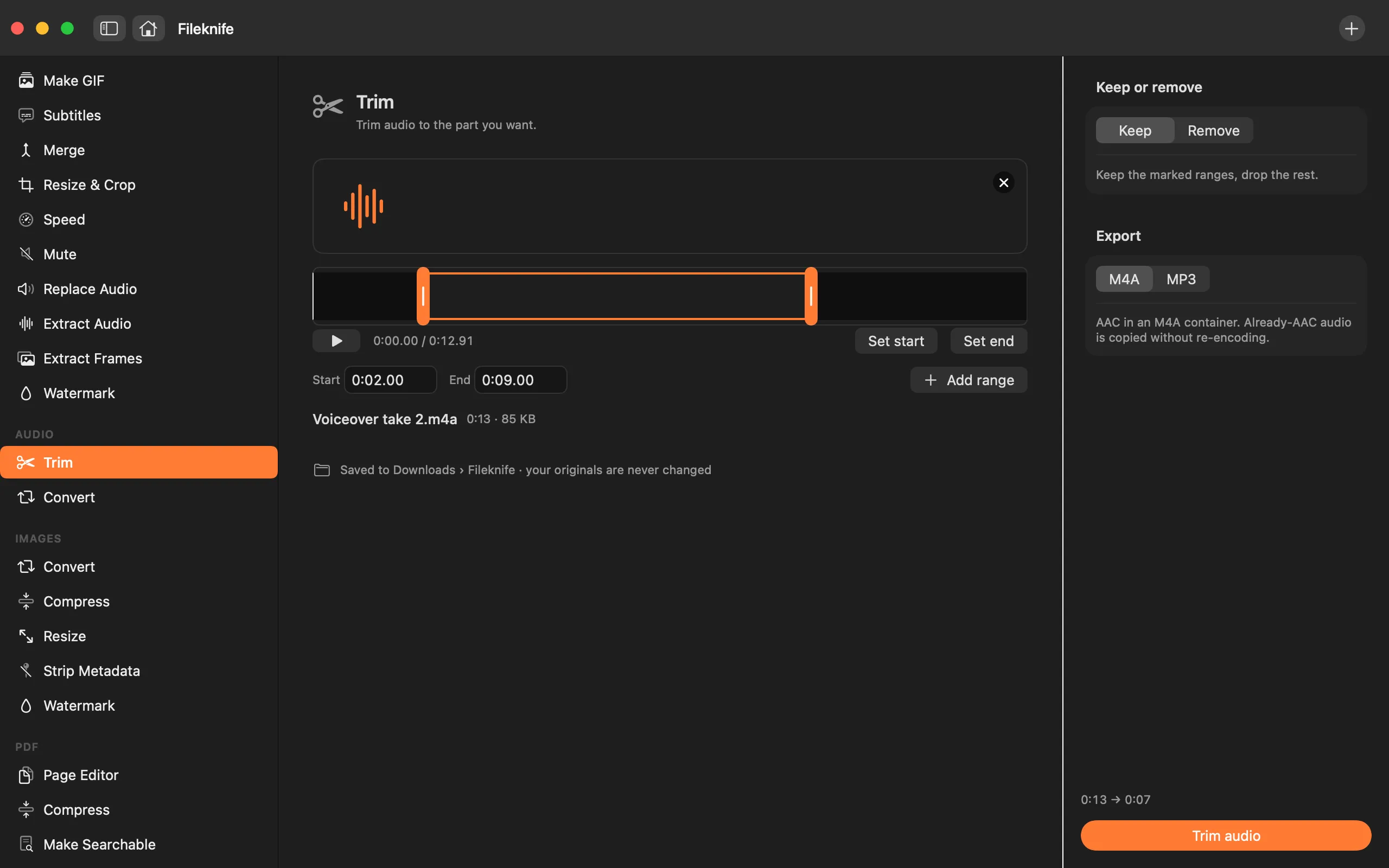
- Drop the audio file onto Fileknife and choose Trim.
- Set the start and end of the part you want to keep.
- Pick the output format: M4A or MP3 (and a preset for MP3).
- Press Trim, then use Show in Finder or drag the clip out.
Why reach for Fileknife
- Set the start and end precisely, then save just that section.
- Export as M4A or MP3, and already-AAC audio is copied to M4A without re-encoding.
- Writes a new file and never changes your original.
- Runs on your Mac, nothing is uploaded.
Presets and options
- M4A
- MP3
Takes: MP3, M4A, WAV, AIFF and most common audio formats. Gives: M4A or MP3.
Honest limits
Trim keeps one continuous section from a start to an end. Exporting to M4A copies already-AAC audio without re-encoding; exporting to MP3 re-encodes with the bundled LAME encoder at the preset you choose.
FAQ
Can I trim an MP3 without re-encoding it the whole way?
Exporting to M4A copies already-AAC audio without a re-encode. MP3 output is re-encoded with LAME at the quality preset you pick.
Does it change my original file?
No. Fileknife saves a new trimmed file and leaves your original untouched.
What formats can I open?
MP3, M4A, WAV, AIFF and most common audio formats.
Is anything uploaded?
No. Trimming runs on your Mac.
Be the first to know when it ships · No spam · macOS 14 Sonoma or later