Videos small enough to send
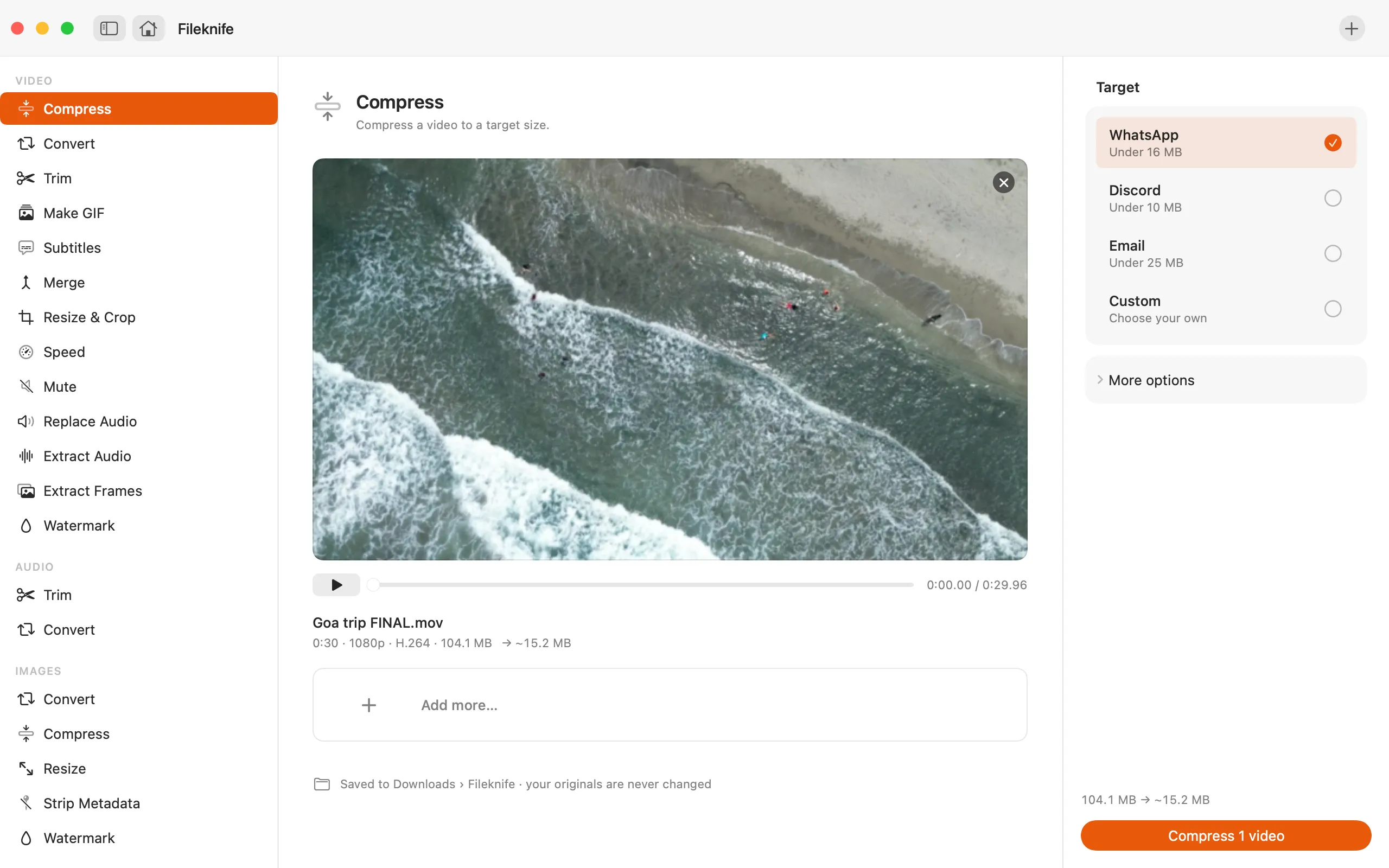
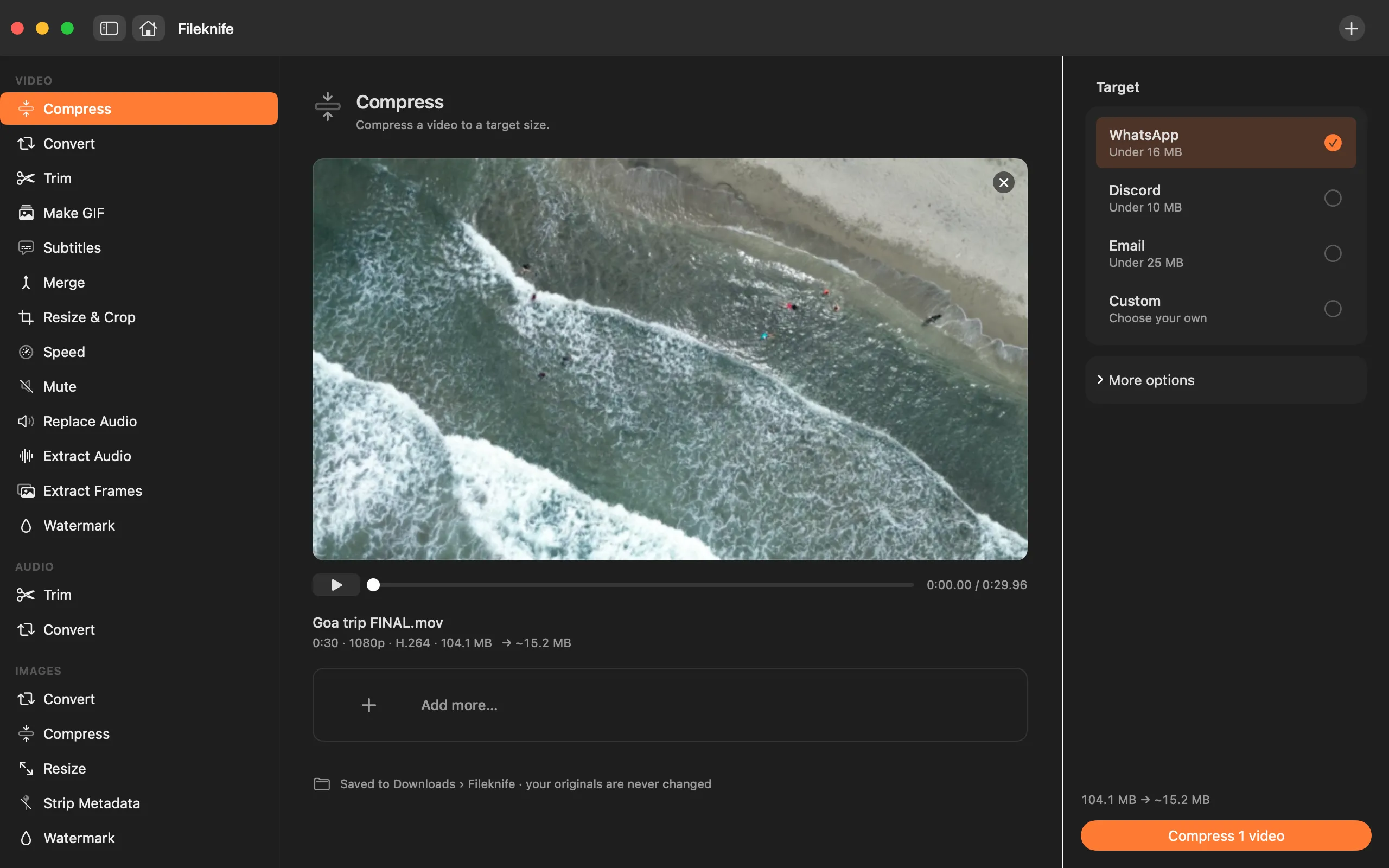
Pick WhatsApp, Discord or Email and Fileknife hits the size limit for you. You see the result size before you start.
40 native tools for video, images, PDFs, audio and on-device AI. Drop a file or press ⌘ O, pick what to do, done. Nothing is uploaded.
Built on Apple's own frameworks. Works with Wi-Fi off.
No account, no cloud, no tracking. Your files stay put.
Results land in a new folder. The file you dropped never changes.
No Homebrew, no plug-ins. Open the app and go.
Fileknife looks at what you dropped and shows only the tools that fit. Good defaults are already set, so most jobs are one click.
Small moments from the app, recreated here. Try them.
Pick WhatsApp, Discord or Email and Fileknife hits the size limit for you. You see the result size before you start.
Merge, split, reorder and rotate by dragging pages. Shrink big scans and make them searchable.
Drop 200 iPhone photos and get JPGs, smaller files or a set size. Batches are the default, not an upgrade.
Fileknife listens to the video on your Mac, writes the captions, and lets you fix any line before you burn them in.
00:41.2Let it rest for ten minutes.00:44.8…and that's the whole recipe.00:47.0See you next week.Everything you'd otherwise find on a different website each time — on your Mac, in one app.
Turn off Wi-Fi and every tool still works. This is the complete list of what the app ever sends, and it's in the app too, under Settings → Privacy.
Translate uses Apple's on-device language packs. macOS downloads each one once, the first time you use it.
No subscription and no account. The first buyers of each plan get the launch price. It goes up as early spots fill.
Every tool and every 1.x update, on one Mac.
The same app on your laptop, desktop and one more.
4+ Macs or a team? Contact us for a team licence.
The questions people ask before buying. Every tool page answers the specific ones for that job.
No — it's a one-time purchase from $19, not a subscription. Every purchase comes with a 7-day refund, so you can try it on your own files with no risk.
No. Every tool runs on your Mac. The only times Fileknife uses the network are to check your licence, look for app updates, and — for Subtitles on macOS 14 and 15 — download a small speech model once.
macOS 14 Sonoma or later. It runs on Apple Silicon and Intel.
Yes. Fileknife is a universal app that runs natively on both Apple Silicon and Intel Macs.
Yes. You can run a tool straight from Finder's right-click menu without opening the main window — a small result card appears when it's done.
No. You pay once and own that version, including all 1.x updates.
All 40 run on your Mac — video (compress, convert, trim, merge, resize & crop, speed, mute, extract or replace audio, frames, watermark, subtitles), audio (trim, convert), images (HEIC convert, compress, resize, strip metadata, watermark), PDF (edit pages, compress, OCR, password, images ↔ PDF, page numbers, watermark) and on-device AI (transcribe, remove background, scan to PDF, smart rename, find duplicates, blur faces, upscale, translate, summarize, chat with PDF, meeting notes, receipts to a spreadsheet, video chapters).
In several places — Preview merges PDFs and reduces their size, Finder's Quick Actions convert images. Each tool page says plainly where the free route exists and when Fileknife is worth it.
Compress, convert and edit video, images, PDFs and audio on your own Mac. Pay once and it's yours.