Needs Apple Intelligence: a Mac with Apple silicon, macOS 26 or later, with Apple Intelligence turned on.
Chat with a PDF on your Mac, offline
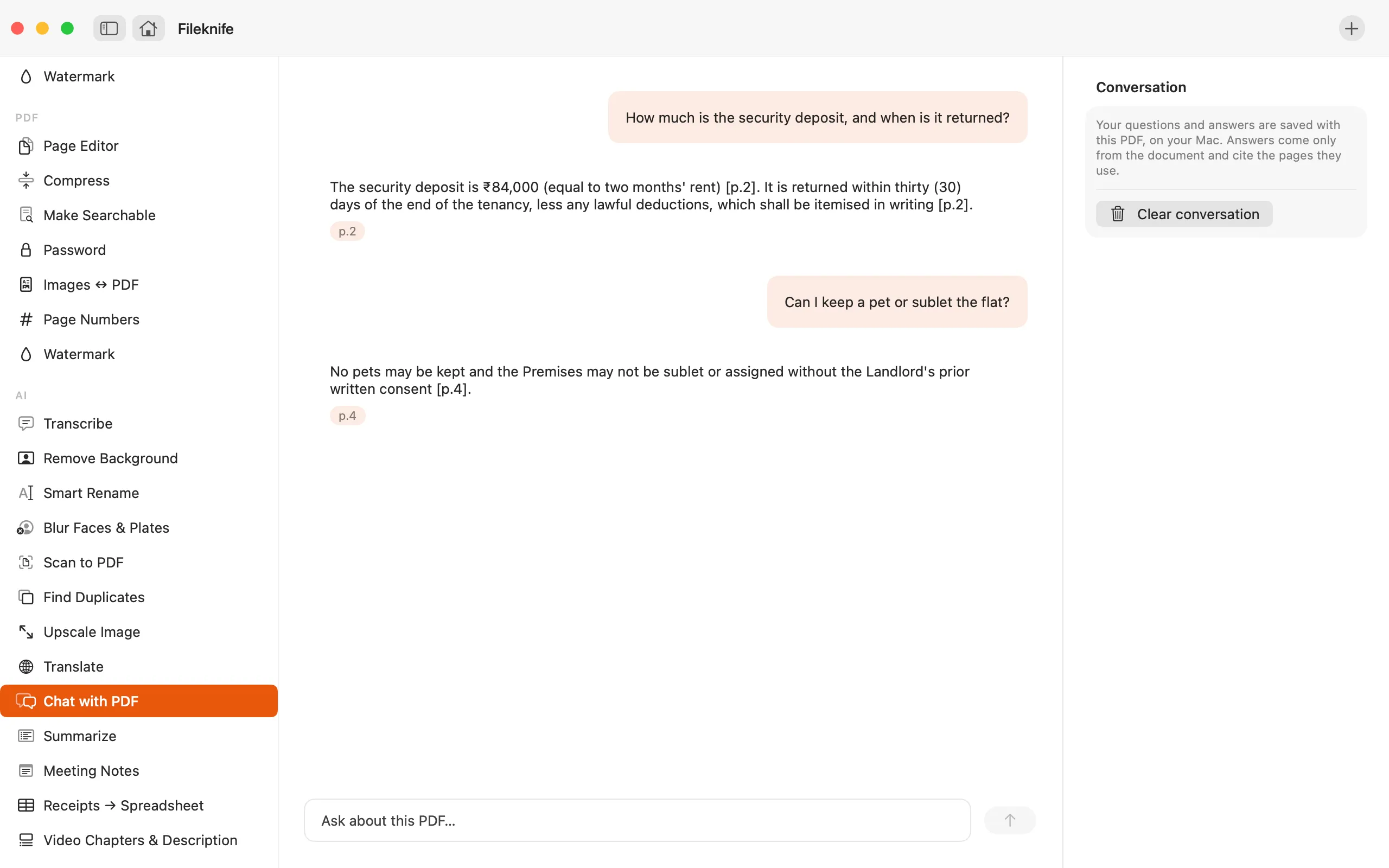
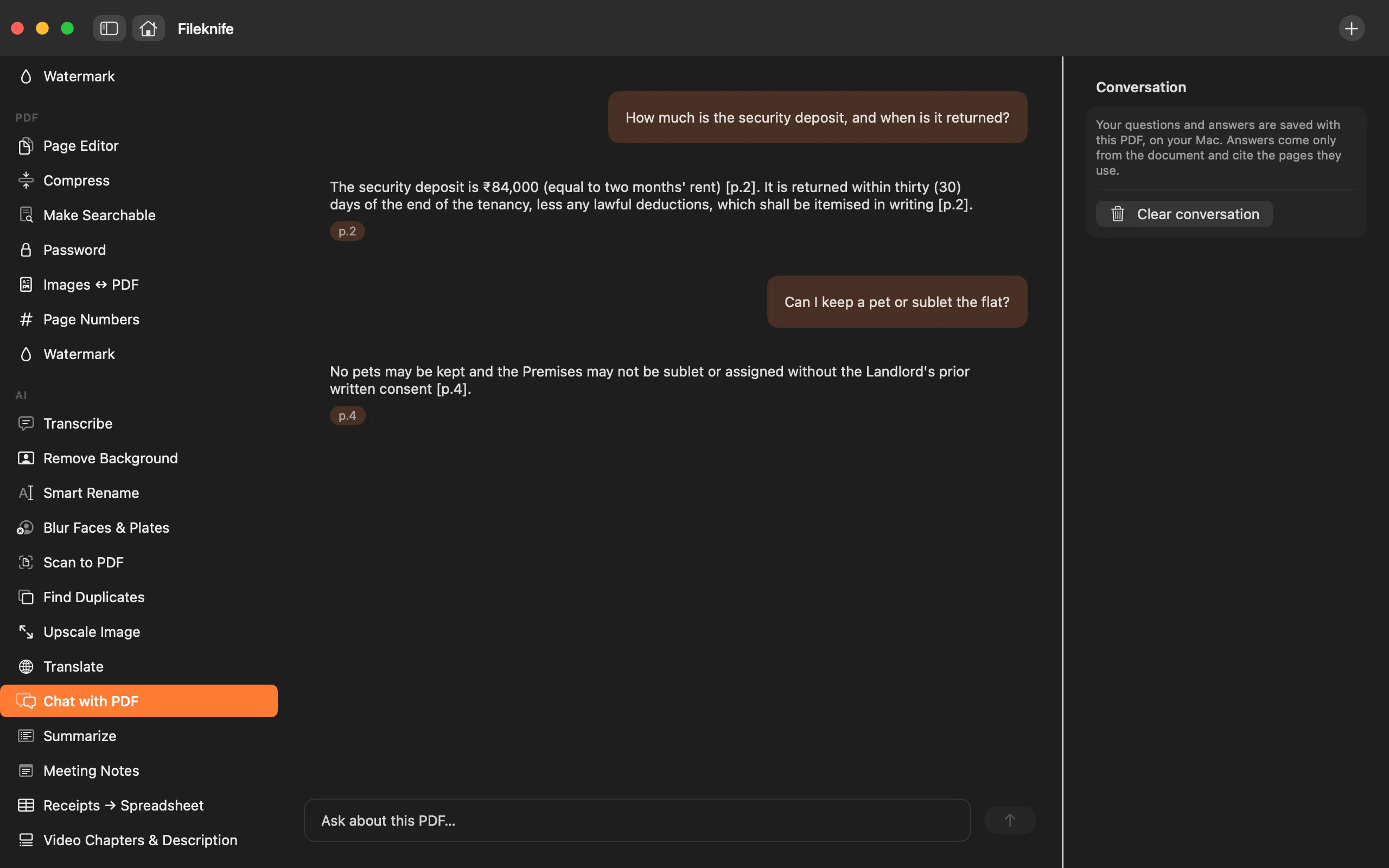
Ask a PDF questions and get answers that cite the pages.
A dense PDF, a contract, a manual, a research paper, often has one answer buried in it, and finding it means reading the whole thing or trusting a chat-with-PDF site that uploads your document. Chat with PDF indexes the file on your Mac and answers your questions from the document itself, with Apple Intelligence, citing the pages each answer comes from.
The free way (if there is one)
There isn't a built-in way to do this on macOS today — you'd normally reach for a web tool that uploads your file, or a paid app.
There's no built-in way to ask a PDF questions. The usual route is a chat-with-PDF site you upload the document to. Fileknife indexes it on your Mac and answers from the document only.
With Fileknife
Here's the same job in Fileknife, where it stays on your Mac:
- Drop a PDF onto Fileknife and choose Chat with PDF, it indexes the document on your Mac.
- Type a question about the PDF and press return.
- Read the answer and tap any page citation to open that page and check it.
- Carry on asking; the conversation is saved with the PDF, and you can clear it anytime.
Why reach for Fileknife
- Answers come only from the document, and each one cites the pages it used.
- Tap a page citation to open that page and check it yourself.
- When the answer isn't in the PDF, it says so instead of making something up.
- The PDF is indexed and answered on your Mac, and the conversation is saved with it; nothing is uploaded.
Presets and options
- Answers cite the pages they use
- Tap a citation to open the page
- Says so when the answer isn't in the PDF
- Conversation saved with the PDF, clearable
Takes: A PDF. Gives: Answers in a conversation, with tappable page citations. The chat is saved with the PDF on your Mac.
Honest limits
Needs Apple Intelligence, a Mac with Apple silicon on macOS 26 or later, with Apple Intelligence turned on. On a Mac that can't run it, Chat with PDF still appears with a calm note about what it needs, and won't run there. Answers come only from the PDF and cite their pages; when something isn't in the document, it says so rather than guessing. It reads the text in the PDF, so a scanned PDF with no text layer should be made searchable first. Like any model, it can be wrong, check the cited pages.
FAQ
Is my PDF uploaded?
No. The PDF is indexed and your questions are answered on your Mac with Apple Intelligence. The document and the conversation stay on your computer.
Where do the answers come from?
Only from the PDF. Each answer cites the pages it used, and you can tap a citation to open that page and check it.
What if the answer isn't in the document?
It tells you it couldn't find it, instead of guessing or pulling in outside information.
Can it read a scanned PDF?
It reads the text in the PDF, so a scan with no text layer should be made searchable first with Fileknife's Make Searchable (OCR) tool, then opened in Chat with PDF.
What do I need to run it?
A Mac with Apple silicon on macOS 26 or later, with Apple Intelligence turned on. On other Macs the tool still appears with a note about what it needs.
Be the first to know when it ships · No spam · macOS 14 Sonoma or later