Extract audio from a video on Mac
Save a video's audio as its own M4A, MP3 or WAV file.
The useful part of a video is sometimes just the sound: a talk you want as a podcast file, music off a clip, a voice note buried in a recording. Extracting audio pulls the soundtrack out of the video and saves it as an audio file you can play, send or edit on its own. The thing worth getting right is the format, a universal MP3, a small M4A, or an uncompressed WAV for editing.
The free way (if there is one)
QuickTime Player can export a clip's audio to an M4A for free (File → Export As → Audio Only). It does one file at a time, only to that one format, and VLC can also save audio out through its Convert dialog if you're comfortable with it.
QuickTime Player can export a clip as audio only for free (File → Export As → Audio Only), which gives you an M4A. Fileknife adds MP3 and WAV output and a batch, and copies already-AAC sound out without re-encoding it.
With Fileknife
Here's the same job in Fileknife, where it stays on your Mac:
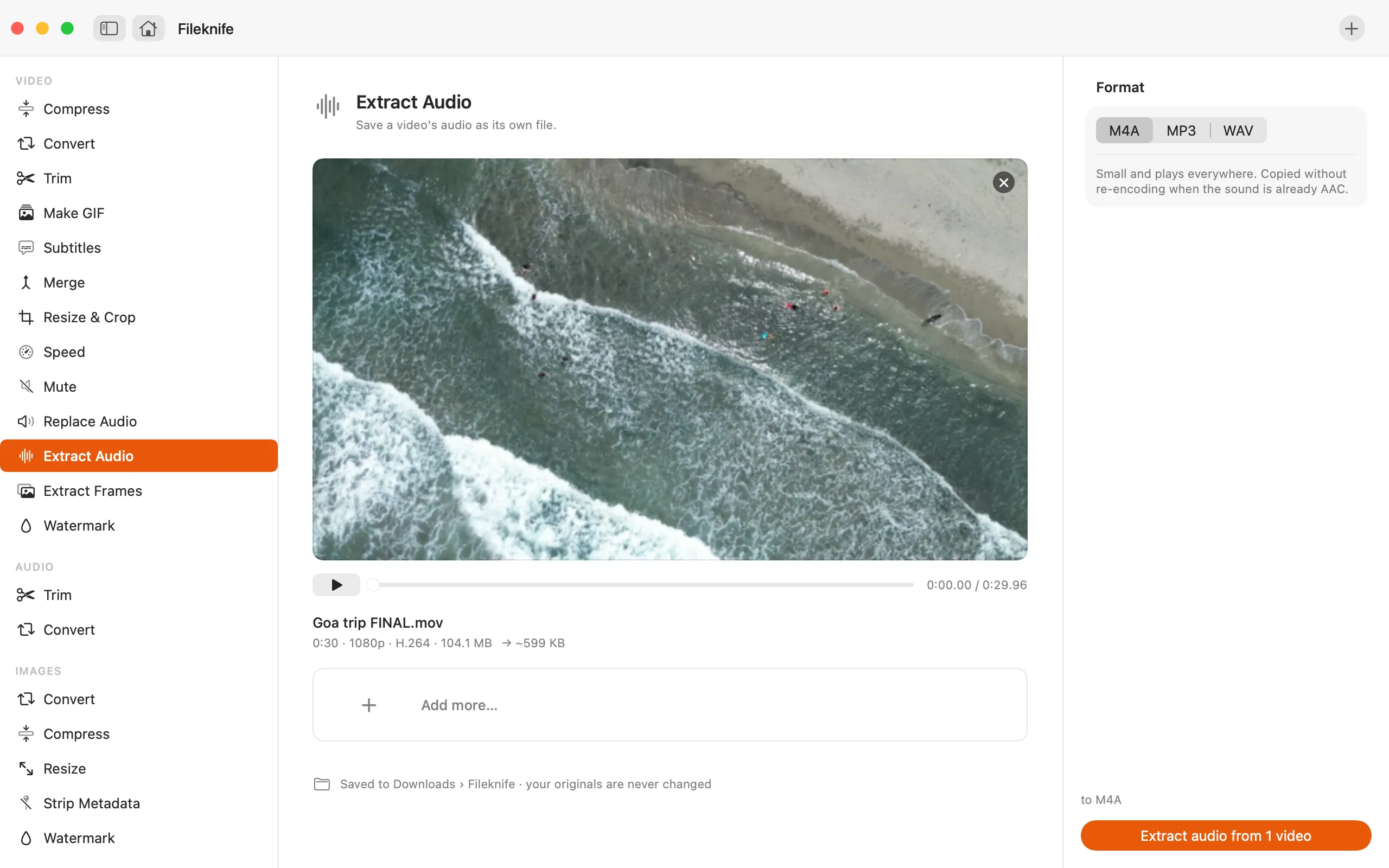
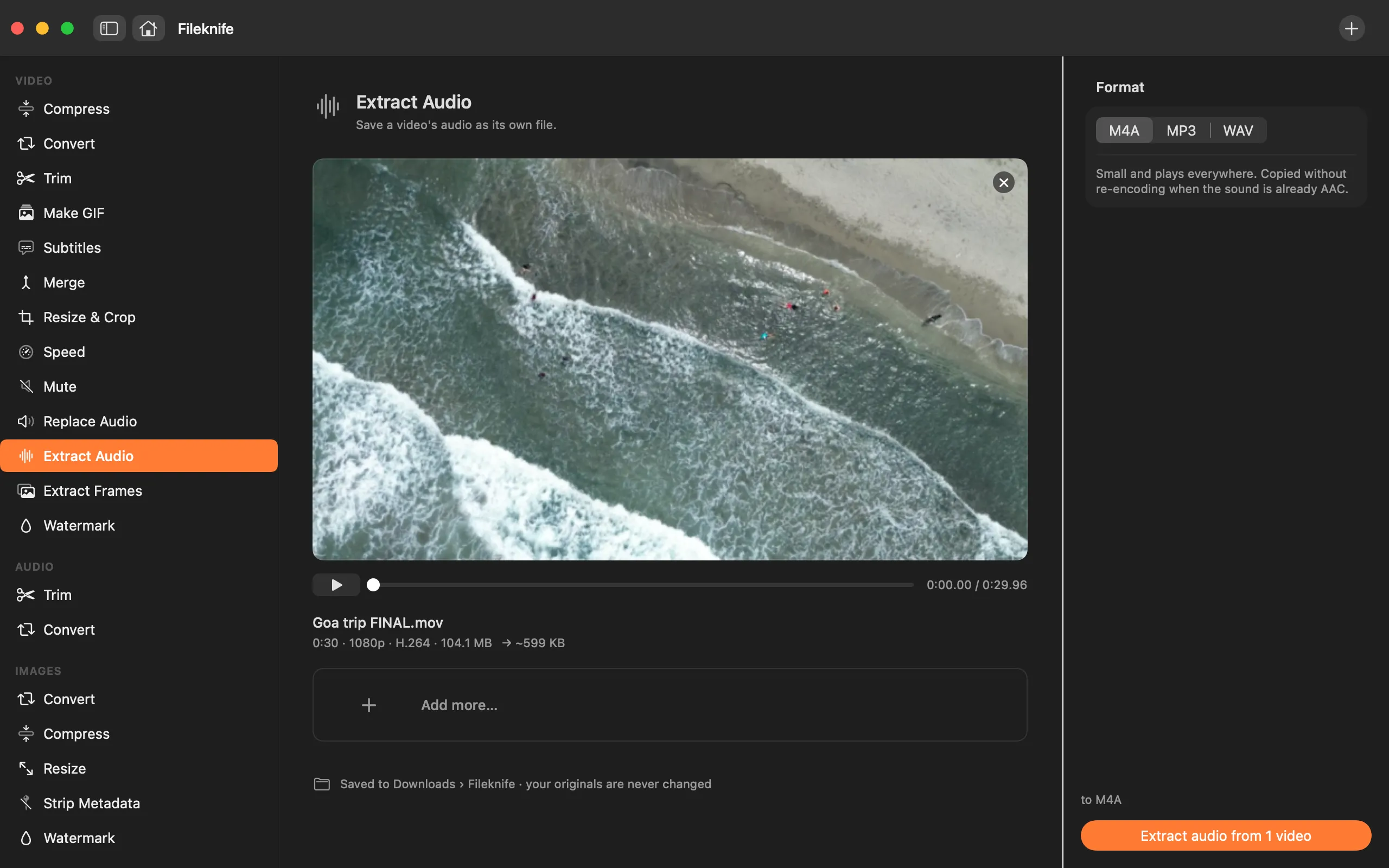
- Drop the video onto Fileknife and choose Extract Audio.
- Pick the format: M4A, MP3 or WAV (and, for MP3, a quality preset).
- Press the button.
- Use Show in Finder or drag the audio file out.
Why reach for Fileknife
- Save as M4A, MP3 or WAV, not just the one format QuickTime offers.
- Already-AAC audio is copied straight out as M4A, with no quality-losing re-encode.
- MP3 is encoded on your Mac with the bundled LAME encoder, with quality presets.
- Extract from a batch of videos in one pass, all on your Mac.
Presets and options
- M4A
- MP3
- WAV
Takes: MP4, MOV, M4V and most common video formats. Gives: M4A, MP3 or WAV.
Honest limits
A video with no audio track has nothing to extract. WAV is uncompressed, so it's much larger than M4A or MP3, pick it only when you need a lossless file for editing.
FAQ
How do I turn a video into an MP3?
Drop the video in, choose Extract Audio, pick MP3 and a quality preset, and press the button. The MP3 is encoded on your Mac.
Which format should I choose?
M4A is small and plays everywhere (and is copied without re-encoding when the sound is already AAC). MP3 is the most universal. WAV is uncompressed, for editing.
Does extracting lose quality?
When the sound is already AAC, the M4A is copied out untouched, no loss. Encoding to MP3 or a different format re-encodes it, which Fileknife does at the quality you pick.
Is anything uploaded?
No. Extraction runs on your Mac.
Be the first to know when it ships · No spam · macOS 14 Sonoma or later